
The fastest way to kill a SaaS product is to make deployments painful. When shipping a feature requires a 45-minute manual process involving SSH sessions, database scripts, and a prayer, your team deploys less often. When your team deploys less often, feedback loops slow down. When feedback loops slow down, you lose to competitors who ship daily.
CI/CD — continuous integration and continuous deployment — is not a luxury for mature engineering teams. It is a survival requirement for early-stage SaaS companies. The startups we work with at Meld ship to production multiple times per day from week one. Here is exactly how to set that up.
Why CI/CD Matters More for Startups
Large companies adopt CI/CD for efficiency. Startups need it for survival. The difference is existential.
Speed of learning. Every deployment is a learning opportunity. You ship a feature, observe user behavior, measure impact, and iterate. A startup that deploys once a week learns 52 times per year. A startup that deploys three times per day learns over 1,000 times per year. At the pace most markets move in 2026, the learning advantage is decisive.
Confidence to experiment. When deployments are safe, fast, and reversible, your team takes bigger swings. They ship experimental features, test pricing changes, and try bold UI redesigns. When deployments are scary, everyone plays it safe. Playing it safe is how startups die slowly.
Reduced bus factor. If only one person knows how to deploy, you have a single point of failure. A proper CI/CD pipeline means anyone on the team can ship code by merging a pull request. No tribal knowledge required.
AeroCopilot — a SaaS platform for Brazilian aviation — accumulated 444 database migrations and 3,893 commits over 3.5 months of development. That velocity is only possible with a CI/CD pipeline that makes every deploy automatic, tested, and reversible. Without it, 444 migrations would be 444 opportunities for manual error.
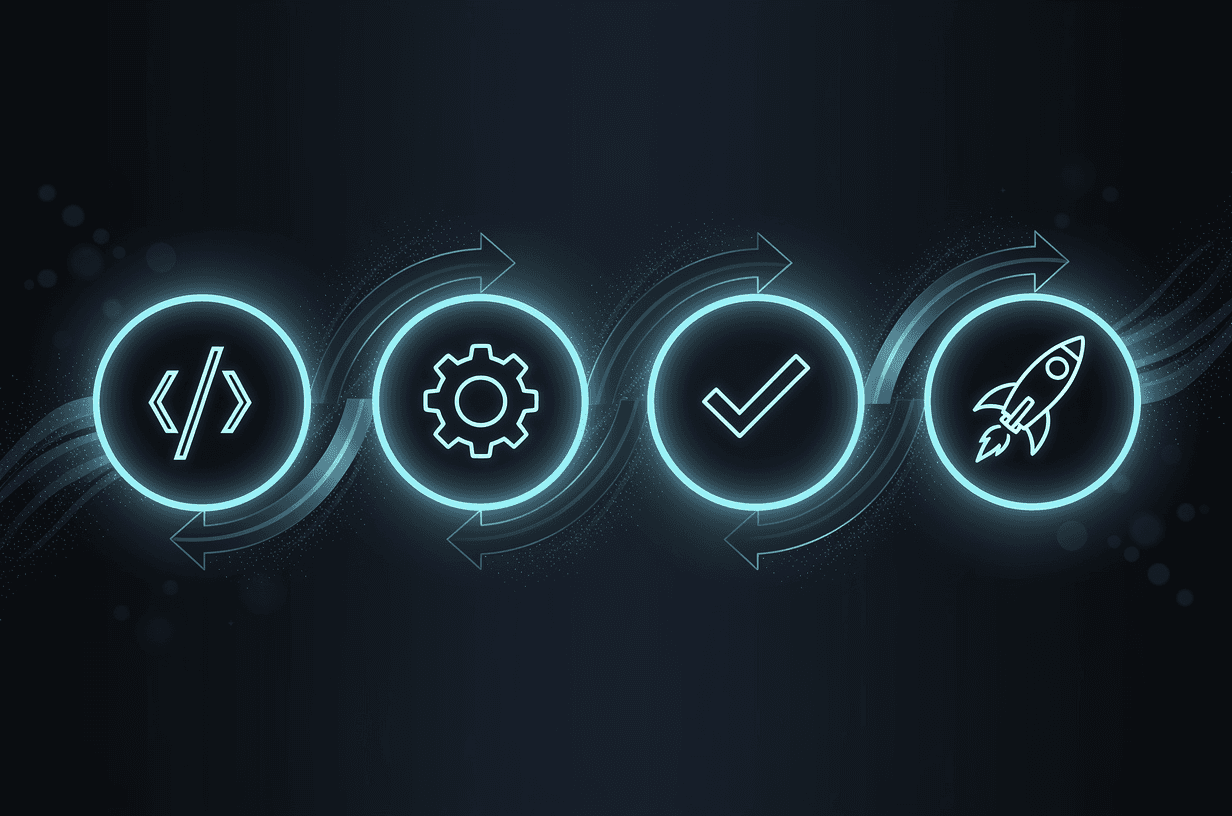
The Architecture: Four Stages
A production-grade CI/CD pipeline for SaaS has four stages. Every commit passes through all four in order. If any stage fails, the pipeline stops and the team is notified.
Stage 1: Build
The build stage compiles your code, resolves dependencies, and produces deployable artifacts. For a Next.js application, this means running the build command and verifying that TypeScript compilation succeeds with zero errors.
Key practices for the build stage:
- Pin dependency versions. Use a lockfile (pnpm-lock.yaml, package-lock.json) and commit it. Floating dependencies are the number one cause of "works on my machine" failures.
- Cache aggressively. GitHub Actions supports caching node_modules and the Next.js build cache. A typical Next.js build drops from four minutes to under one minute with proper caching.
- Fail fast on type errors. Run TypeScript strict mode checking as the first step. If the types do not compile, nothing else matters.
Stage 2: Test
The test stage runs your automated test suite. This is where most startups cut corners and most startups regret it.
A minimum viable test suite for SaaS includes three layers:
Unit tests verify individual functions and components in isolation. They run in milliseconds, catch logic errors, and should cover your core business logic comprehensively. If your SaaS calculates pricing, every pricing function needs unit tests. If it processes data transformations, every transformer needs tests.
Integration tests verify that components work together. Database queries return expected results. API endpoints handle edge cases. Authentication flows complete correctly. These tests take longer but catch the bugs that unit tests miss.
End-to-end tests simulate real user behavior in a browser. A user signs up, creates a resource, modifies it, and deletes it. Playwright is the current standard for E2E testing — fast, reliable, and capable of testing across browsers. We covered E2E strategy in our guide to MVP user testing.
Run these in parallel when possible. Unit and integration tests can run simultaneously while E2E tests run against a preview deployment.
Stage 3: Deploy
The deploy stage pushes your tested, built application to your hosting environment. For most SaaS startups in 2026, this means Vercel, AWS, or a similar managed platform.
Environment strategy matters. You need at least three environments:
- Development: Automatically deployed from feature branches. Used for testing in-progress work. Ephemeral — spun up with each PR and torn down when the PR is closed.
- Staging: Deployed from the main branch. Mirrors production configuration. Used for final verification before production release.
- Production: Deployed via a release trigger — either a Git tag, a manual approval, or an automatic promotion from staging after a soak period.
Vercel makes this trivially easy for Next.js applications. Every pull request gets a preview deployment with a unique URL. The main branch deploys to staging. Production deployments happen via the Vercel dashboard or CLI. This setup takes about thirty minutes to configure and handles most SaaS deployment needs through the first year.
Stage 4: Verify
Deployment is not the end of the pipeline. The verify stage confirms that the deployment succeeded and the application is healthy.
Health checks hit your application's critical endpoints and verify they return expected responses. At minimum, check that your homepage loads, your API responds, and your database connection is alive.
Smoke tests run a minimal E2E suite against the freshly deployed environment. A user can log in, the main dashboard loads, critical features work. These are not comprehensive — they are fast sanity checks that catch deployment-specific failures.
Monitoring alerts trigger if error rates spike or response times degrade after deployment. Tools like Sentry, Datadog, or even simple uptime monitors provide this layer. If errors spike within five minutes of a deploy, you want to know immediately.
GitHub Actions: The Practical Setup
GitHub Actions is the CI/CD platform most startups should use. It is free for public repositories, affordable for private ones, and deeply integrated with the GitHub workflow your team already uses.
Here is the architecture of a production GitHub Actions pipeline for a monorepo SaaS application:
On pull request: Run linting, type checking, unit tests, and integration tests. Deploy a preview environment. Run E2E tests against the preview. Post results as PR comments.
On merge to main: Run the full test suite. Deploy to staging. Run smoke tests against staging. Notify the team via Slack or Discord.
On release tag: Deploy to production. Run smoke tests against production. Monitor error rates. Notify the team.
Alternatives like CircleCI offer similar capabilities with more granular caching and parallelism controls. The key insight is that the pipeline configuration lives in your repository as YAML files. It is versioned, reviewable, and reproducible. When a new team member joins, they do not need to learn a separate deployment system — they read the workflow files and understand exactly what happens when code merges.
Database Migrations in CI
Database migrations are where CI/CD gets complicated for SaaS. Schema changes must be coordinated with code changes, applied in order, and reversible if something goes wrong.
Rules for managing migrations in CI/CD:
1. Migrations run automatically in CI. Your pipeline should apply pending migrations to the test database before running integration and E2E tests. This verifies that the migration works before it touches staging or production.
2. Migrations are forward-only in production. Rolling back a migration in production is dangerous — it can cause data loss. Instead, fix forward by creating a new migration that corrects the issue.
3. Separate deploy from migrate. Apply migrations as a distinct pipeline step before the application deploy. If the migration fails, the old application code continues running against the old schema. If you deploy new code before the migration runs, you get runtime errors.
4. Test migrations against production-like data. A migration that works on an empty test database might fail on a production database with millions of rows. Periodically restore a sanitized production snapshot to your staging environment and run migrations against it.
AeroCopilot's 444 migrations were managed entirely through automated pipelines. Every migration was tested in CI, applied to staging, verified, and then promoted to production. Zero manual database interventions over the entire development period. That is the standard your pipeline should achieve.
Preview Deployments: The Secret Weapon
Preview deployments — ephemeral environments created for each pull request — are the single most impactful CI/CD feature for startup teams. Vercel, Netlify, and Railway all support them natively.
Why they matter:
- Code review becomes visual. Reviewers click a link and see the actual changes running in a real environment. No more "looks good to me" reviews based on reading diffs.
- Stakeholder feedback is immediate. Share the preview URL with your designer, your product manager, or your beta customer. They can test the feature before it merges.
- QA is parallelized. Multiple features can be reviewed simultaneously, each in its own isolated environment.
- E2E tests run against realistic conditions. Your test suite exercises the actual deployed application, not a local development server with mocked dependencies.
Monitoring Post-Deploy
A CI/CD pipeline without post-deploy monitoring is like a smoke detector without batteries. You need three categories of monitoring from day one:
Error tracking captures runtime exceptions with full stack traces and user context. Sentry is the industry standard. Configure it to alert on new errors and error rate spikes. Tag deploys so you can correlate errors with specific releases.
Performance monitoring tracks response times, database query duration, and resource utilization. Slow queries that passed your test suite will surface here. Set alerts for response time degradation — if your P95 latency doubles after a deploy, investigate immediately.
Business metrics monitor the signals that matter to your product. Sign-up rate, activation rate, feature usage. A deploy that breaks a critical user flow might not throw errors — the page might load fine but a button might be invisible. Business metric monitoring catches these silent failures.
The Cost of Not Having CI/CD
We occasionally talk to startups that deploy manually. The pattern is always the same: deployments happen on Friday afternoons (the worst possible time), only the CTO knows the process, the team avoids shipping on days with important demos, and bugs that would take five minutes to fix sit in a queue because "we just deployed yesterday."
The cost compounds. Manual deployment overhead scales linearly with team size and deployment frequency. A team of five deploying twice a week might spend ten hours per week on deployment-related tasks — testing manually, coordinating deploys, debugging environment differences, and recovering from failed deploys. That is 500 hours per year. At startup engineering rates, that is $50,000 to $75,000 in wasted productivity.
A CI/CD pipeline takes one to two days to set up properly. The ROI is measured in weeks, not months. For more on the infrastructure decisions that accelerate SaaS development, our tech stack guide covers the full picture. And if you are thinking about how CI/CD fits into a monorepo architecture, the patterns are complementary — monorepos make CI/CD more powerful by enabling atomic commits across your entire stack.
Start on day one. Automate everything. Ship with confidence.