
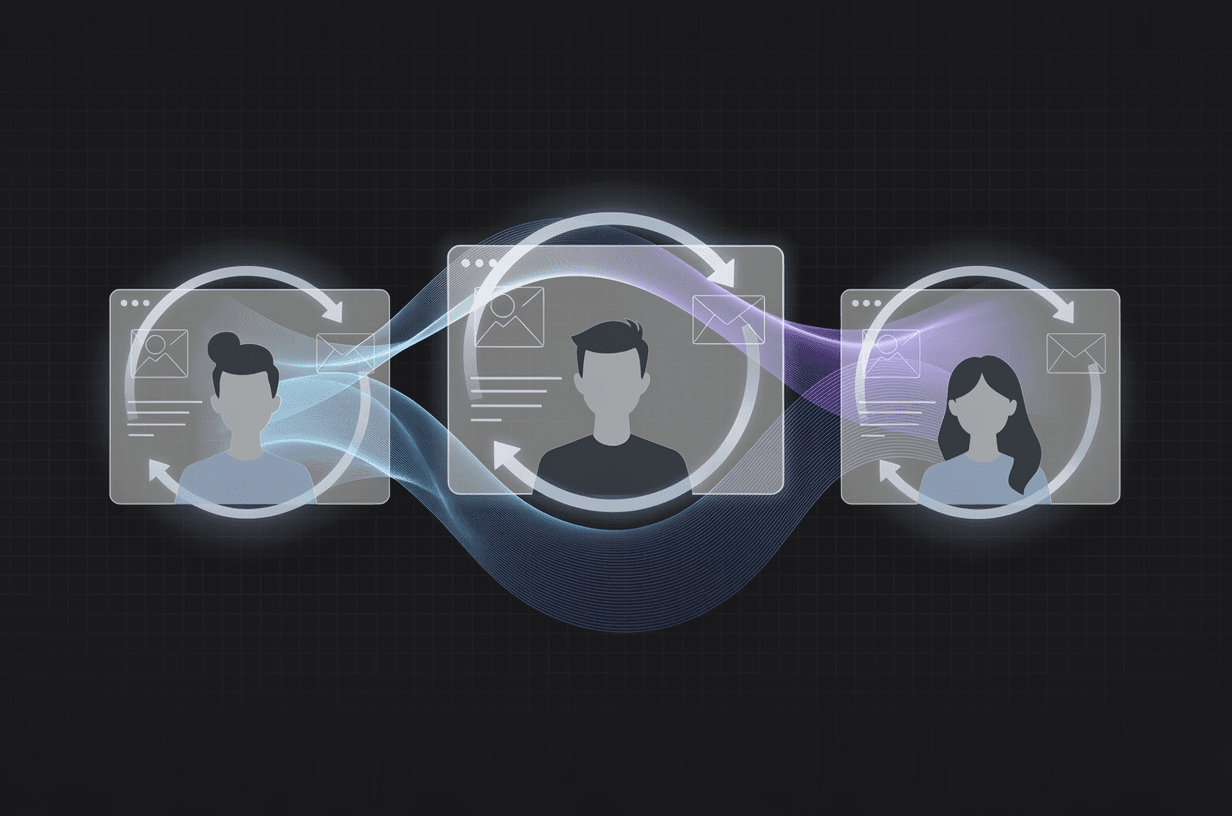
You shipped your MVP. Congratulations—you're ahead of 90% of founders who never get past the idea stage. But here's the uncomfortable truth: shipping is not the finish line. It's the starting gun.
The difference between MVPs that become real products and MVPs that quietly die isn't the code quality or the feature set. It's the feedback loop. The teams that systematically test with real users, extract actionable insights, and iterate based on evidence are the ones that find product-market fit. Everyone else is guessing.
This guide covers everything you need to run effective MVP user testing—from choosing the right type of test to analyzing results and feeding them back into your development cycle.
Why User Testing Matters More for MVPs
An MVP is, by definition, incomplete. You made deliberate trade-offs about what to build and what to skip. The entire point is to validate assumptions with minimal investment before committing to a full product.
But here's what most founders get wrong: they treat the MVP as a demo to show investors, not as a hypothesis to test with users. The MVP isn't a product—it's a question. And user testing is how you get the answer.
Without structured testing, you're relying on three unreliable signals:
- Your own intuition. You're too close to the problem. You know how it's supposed to work, so you can't see where it breaks.
- Vanity metrics. Sign-ups and page views tell you people are curious. They don't tell you people will pay.
- Unsolicited feedback. The loudest users aren't representative. The quiet ones who churned never told you why.
Structured user testing replaces guesswork with evidence. And when you're operating on limited runway, evidence is the most valuable currency you have.
The Three Types of MVP Testing
Not all testing is the same. Each type answers a different question, and you need all three to validate your MVP properly.
1. Usability Testing — "Can They Use It?"
Usability testing checks whether real users can accomplish core tasks without confusion, frustration, or errors. This isn't about whether they like your product—it's about whether they can operate it.
What you're looking for:
- Where do users get stuck or hesitate?
- What do they click that doesn't do what they expected?
- Which workflows take too many steps?
- Where does the mental model break?
How to run it: Give users specific tasks ("Create a new flight plan and add two waypoints") and watch them work. Don't explain anything. Don't help unless they're completely stuck. Record the session—screen and audio at minimum, face camera if possible.
2. Value Testing — "Do They Want It?"
Value testing checks whether your product solves a real problem that users care about enough to change their behavior (and eventually pay for).
What you're looking for:
- Does the user understand the value proposition without explanation?
- Would they use this instead of their current solution?
- What would they pay for it?
- What's the one thing that would make them recommend it?
How to run it: Combine observation with interview. Let them use the product first, then ask open-ended questions about their current workflow, pain points, and whether this product addresses them.
3. Feasibility Testing — "Does It Scale?"
Feasibility testing checks whether your technical architecture and business model work under realistic conditions. This is especially critical for AI-native MVPs where inference costs, latency, and accuracy directly affect viability.
What you're looking for:
- Does performance hold under concurrent users?
- Are AI outputs accurate enough for production use?
- Does the unit economics work at scale?
- Are there edge cases that break core functionality?
How to run it: Load testing, stress testing, and domain-expert review of outputs. For AI features, create evaluation sets with known-correct answers and measure accuracy systematically.
The Magic Number: Five Testers Gets You 80%
Nielsen Norman Group research demonstrated that five users uncover approximately 85% of usability issues. This isn't a rough estimate—it's been validated across hundreds of studies over two decades.
The math is simple: each user has roughly a 31% chance of encountering any given usability issue. With five independent users, the probability that at least one encounters the issue is 1 − (0.69)^5 ≈ 85%.
This means you don't need 50 testers. You don't need a research panel. You need five people who roughly match your target user profile, and you need to run well-structured sessions with them.
For an MVP, here's the practical recruiting strategy:
- Existing sign-ups. If you have a waitlist or early access list, your first testers are already there.
- Industry communities. LinkedIn groups, Slack communities, Reddit—wherever your target users congregate.
- Personal network. Friends-of-friends who match your user profile. Not your friends—they'll be too nice.
- Paid recruiting. Services like UserTesting or Respondent.io if you need specific demographics.
Pay testers for their time. Even $50 gift cards dramatically improve show-up rates and engagement quality.
Running Effective Sessions: Tasks, Not Questions
The single biggest mistake in user testing is asking users what they want instead of watching what they do. People are terrible at predicting their own behavior. They'll tell you they'd love a feature and then never use it. They'll say the interface is intuitive and then fail to complete basic tasks.
Here's the session structure that works:
Before the Session (5 minutes)
- Explain that you're testing the product, not them. Nothing they do is wrong.
- Ask them to think aloud—narrate what they're doing and why.
- Get consent for recording.
Task-Based Testing (20-30 minutes)
Write 5-7 specific tasks that cover your core user journey. Frame them as scenarios, not instructions:
❌ "Click the 'New Project' button and fill in the form." ✅ "You just signed up and want to start your first project. Go ahead and do that."
The difference matters. The first tells them what to do. The second reveals whether they can figure out what to do.
Watch silently. Take notes on:
- Hesitations — where they pause before acting
- Misclicks — where they click something expecting a different result
- Workarounds — where they find an alternative path because the intended one wasn't obvious
- Expressions — frustration, confusion, delight (if you have a face camera)
Follow-Up Interview (10-15 minutes)
Now you can ask questions—but keep them open-ended:
- "What was the hardest part of what you just did?"
- "If you could change one thing, what would it be?"
- "How does this compare to how you currently solve this problem?"
- "Would you use this tomorrow? Why or why not?"
Never ask "Do you like it?" That's a social question with a socially-desirable answer.
Analyzing Feedback: Patterns Over Individual Opinions
After five sessions, you'll have a mountain of notes, recordings, and observations. The temptation is to react to every piece of feedback. Resist it.
The analysis framework is straightforward:
Step 1: Categorize Issues by Frequency
Create a simple grid. List every issue observed, and mark which users encountered it.
- 5/5 users — Critical. Fix immediately.
- 3-4/5 users — Significant. Fix in next iteration.
- 2/5 users — Notable. Investigate further.
- 1/5 users — Edge case. Log but don't prioritize.
Step 2: Separate Usability from Value
A user struggling with navigation is a usability issue—fixable with design changes. A user saying "I don't see why I'd switch from my spreadsheet" is a value issue—fixable only with a fundamentally better proposition.
Usability issues are cheaper to fix. Value issues require deeper brainstorming and rethinking.
Step 3: Map to Your Riskiest Assumptions
Every MVP is built on assumptions. Your testing should explicitly validate or invalidate the ones that matter most:
- "Users will understand the AI output without training" — Validated? Or did 4/5 users ask what the results meant?
- "Flight schools will pay $200/month for this" — Validated? Or did testers say they'd only pay half that?
- "The onboarding flow is self-service" — Validated? Or did every tester need help at step 3?
The Feedback-to-Feature Pipeline
Raw feedback doesn't become product improvements automatically. You need a systematic pipeline:
- Aggregate — Combine all session notes into a single document.
- Pattern-match — Identify issues that appeared across multiple sessions.
- Prioritize — Rank by frequency × severity × alignment with core value proposition.
- Specify — Turn priority issues into concrete, implementable changes.
- Build — Ship fixes in the next iteration cycle.
- Retest — Validate that fixes actually resolved the issues.
This cycle should be fast. If you're building with an AI-native approach, you can realistically ship fixes within days of testing sessions, not weeks.
Real Example: AeroCopilot's Feedback Loop
When we built AeroCopilot—an AI-powered aviation SaaS platform—user testing wasn't optional. This was safety-critical software where incorrect calculations could ground a flight or worse.
The testing process with Commander Sérgio (12,000+ flight hours, aviation school owner) was rigorous:
- 11 specific feedback items were identified during structured testing sessions.
- Each item was categorized by severity and domain impact.
- All 11 items were resolved before the next testing round.
- Regulatory compliance was re-validated after each change.
The key insight: testing with a genuine domain expert revealed issues that no amount of internal review would have caught. A fuel calculation that was technically correct but presented in a format unfamiliar to Brazilian pilots. A NOTAM decoder that worked perfectly but didn't match the mental model pilots use when flight planning.
These aren't bugs. They're domain-fit issues that only surface when real users interact with real software.
Common Mistakes That Kill Your Feedback Loop
Testing Too Late
If you wait until the MVP is "ready" to start testing, you've already wasted cycles building things users might not want. Test early, test ugly. A clickable prototype tested at week two is more valuable than a polished MVP tested at month three.
Leading Questions
"Don't you think this dashboard is useful?" is not a question—it's a prompt for agreement. Rephrase: "Walk me through how you'd check your daily metrics." Then see if they even go to the dashboard.
Ignoring Negative Feedback
The most valuable feedback is the feedback you don't want to hear. When a tester says "I wouldn't use this," the correct response is "Tell me more"—not "Let me show you the feature you missed."
Testing with the Wrong Users
Your mom thinks your app is great. Your college roommate thinks it's cool. Neither of them is your target customer. Test with people who have the problem you're solving and are currently paying (in money or time) to solve it another way.
Changing Everything at Once
After a round of testing, the temptation is to rebuild everything. Don't. Fix the highest-frequency, highest-severity issues first. Then retest. Changing everything simultaneously means you can't attribute improvements to specific fixes.
Building Your Testing Cadence
For an MVP in active development, here's the cadence that works:
- Week 1-2: Test with 5 users. Identify critical issues.
- Week 3: Fix critical issues. Ship update.
- Week 4: Test with 5 new users. Validate fixes. Identify next tier of issues.
- Repeat until core tasks have a >90% unassisted completion rate.
Each cycle costs roughly 10-15 hours of time and produces more actionable intelligence than any amount of internal debate. When your MVP development process is AI-native, the iteration speed between testing rounds compresses from weeks to days—meaning you reach product-market fit faster with less capital burned.
The MVPs that win aren't the ones with the most features. They're the ones with the tightest feedback loops. Build, test, learn, repeat. Everything else is noise.